Filter Products
Narrow down your WooCommerce products by category, stock status, and product status before selecting products for editing.
A focused WooCommerce plugin for making bulk price adjustments easier. Filter simple products, select multiple items, and increase or decrease their prices using a fixed amount from one dedicated admin interface.
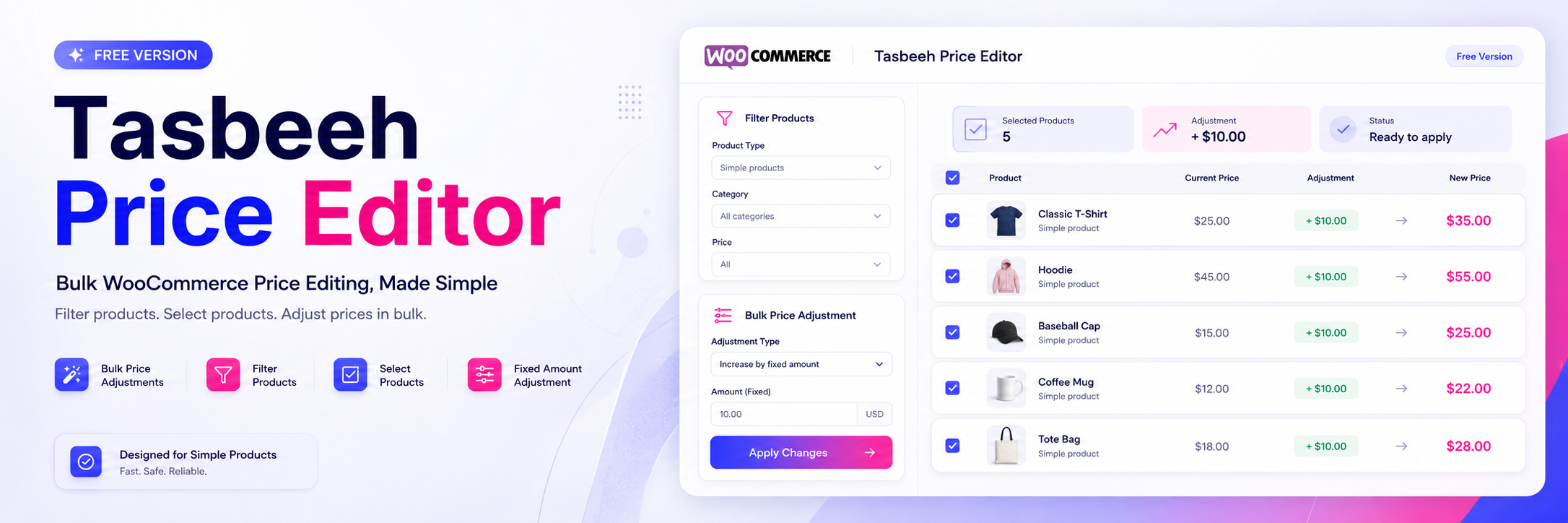
Tasbeeh Price Editor keeps bulk pricing simple. Filter your products, select what you need, configure a fixed adjustment, and apply the change without editing products one by one.
Narrow down your WooCommerce products by category, stock status, and product status before selecting products for editing.
Choose multiple simple products and manage their prices together instead of editing every product individually.
Increase or decrease selected product prices using a specified fixed amount and apply the adjustment in one bulk operation.
Everything is organized around one simple workflow: filter the products you need, select them, configure your adjustment, and apply the new prices.
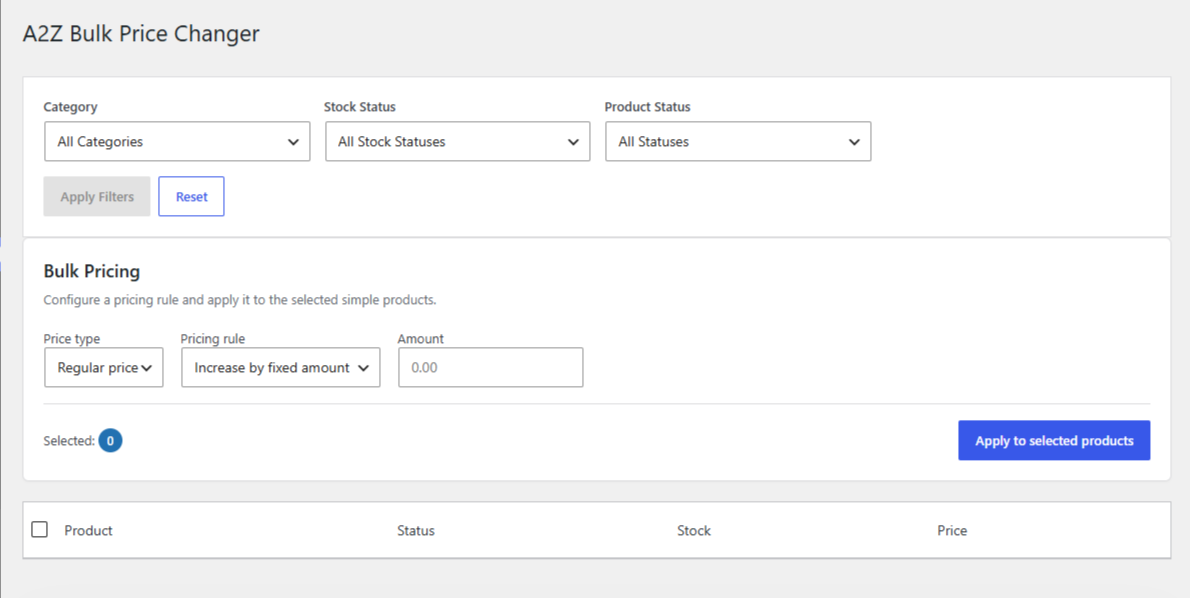
Use the dedicated interface to work with your WooCommerce simple products from one place.
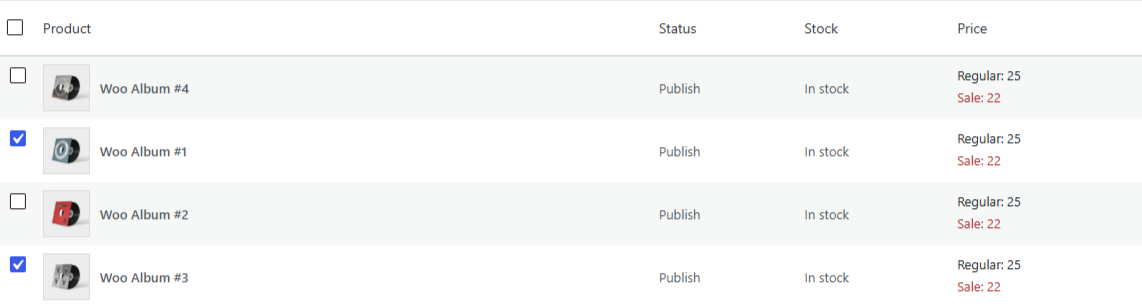
The same product list can move from its original prices to the updated prices through a single bulk pricing action.
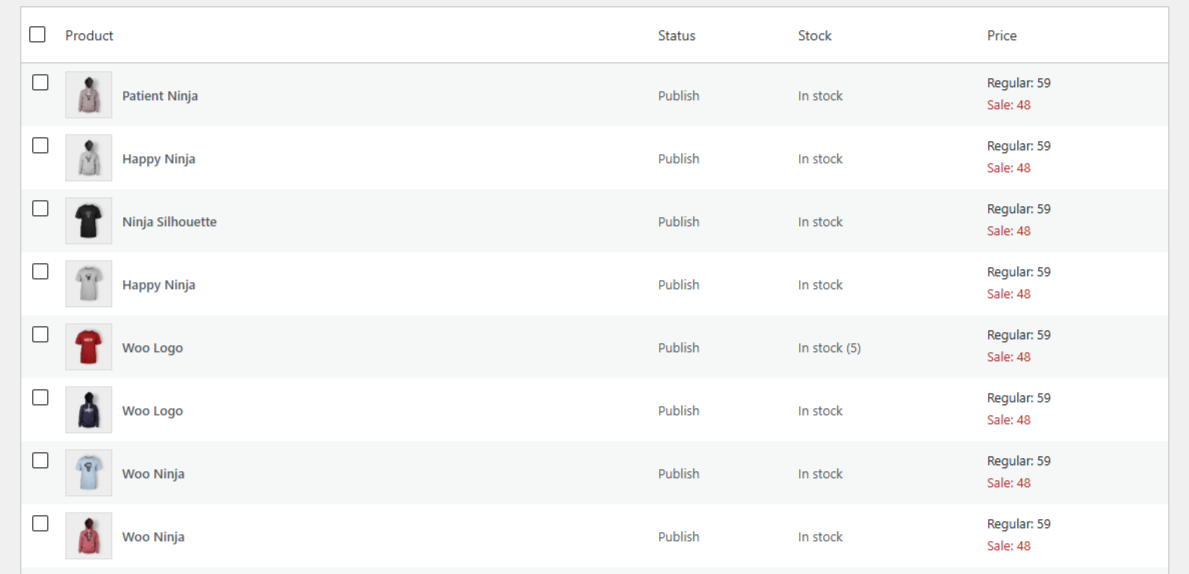
Start with your existing product prices, filter the list if needed, and select the simple products you want to update.
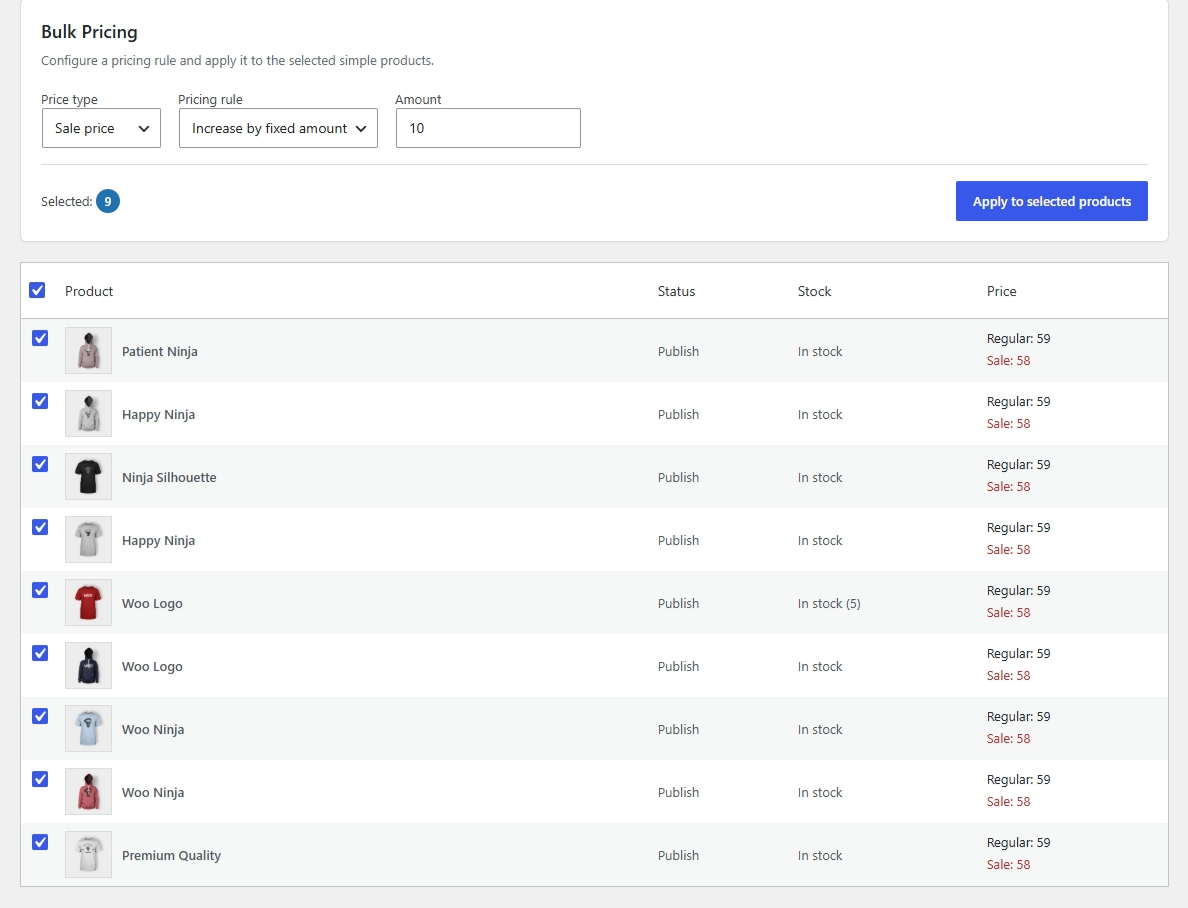
After the bulk operation, the selected products reflect the new prices without requiring individual product edits.
Tasbeeh Price Editor is built around a clear process that takes you from product selection to updated pricing.
Open Tasbeeh Price Editor from the WooCommerce admin menu.
Use category, stock status, and product status filters to narrow the product list.
Select the simple products you want to update in bulk.
Choose the price adjustment direction and enter the fixed amount.
Apply the adjustment to the selected products and update their prices.
Manage bulk price changes from a focused interface available directly through the WooCommerce admin menu.
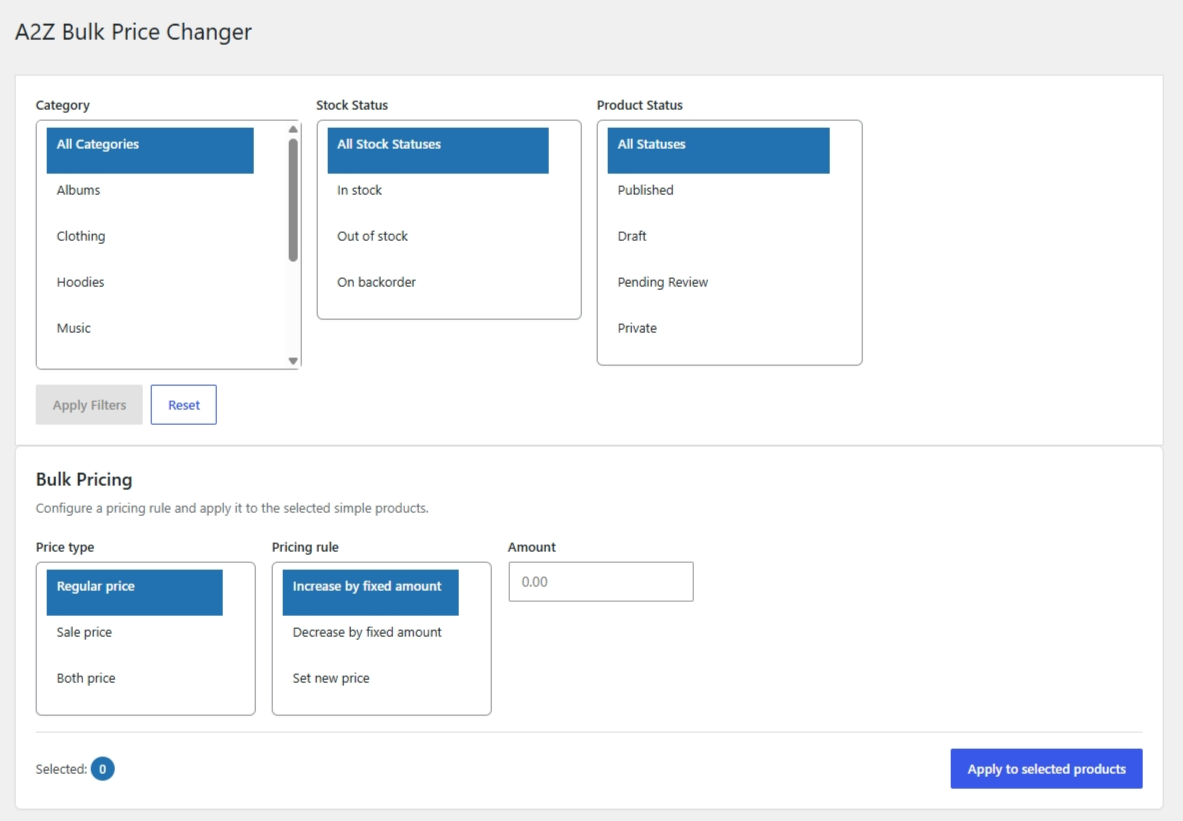
Use the available filters to narrow the product list, then select the products that should receive the bulk price adjustment.
Choose whether to increase or decrease the selected prices and enter the fixed amount that should be applied.
The interface keeps the bulk pricing process clear, helping you understand what to select, what adjustment to configure, and what will happen when the bulk action is applied.
Tasbeeh Price Editor is designed specifically for WooCommerce simple products. This focused approach keeps the bulk pricing workflow straightforward and easy to understand.
The Free version supports bulk price editing for simple WooCommerce products.
Variable products are not supported by the Free version.
The Free version concentrates on essential bulk price editing instead of trying to include every possible WooCommerce pricing workflow.
Make sure your WordPress environment meets the following requirements before installing and using the plugin.
Yes. WooCommerce must be installed and activated for Tasbeeh Price Editor to work.
The Free version supports simple WooCommerce products only.
No. Variable products are not supported by the Free version.
Yes. You can increase selected simple product prices by a specified fixed amount.
Yes. You can decrease selected simple product prices by a specified fixed amount.
No. The Free version supports fixed-amount price increases and decreases only.
No. The Free version does not include product search. Products can be filtered by category, stock status, and product status.
A focused WooCommerce tool for store owners who want a straightforward way to filter simple products and apply fixed bulk price adjustments.